Sunset with the S110 PowerShot
Took some fun long-exposure and lowlight images at sunset. Some of these remind me of my early days of digital camera fun back in 2005. All images are straight from the camera with no additional...

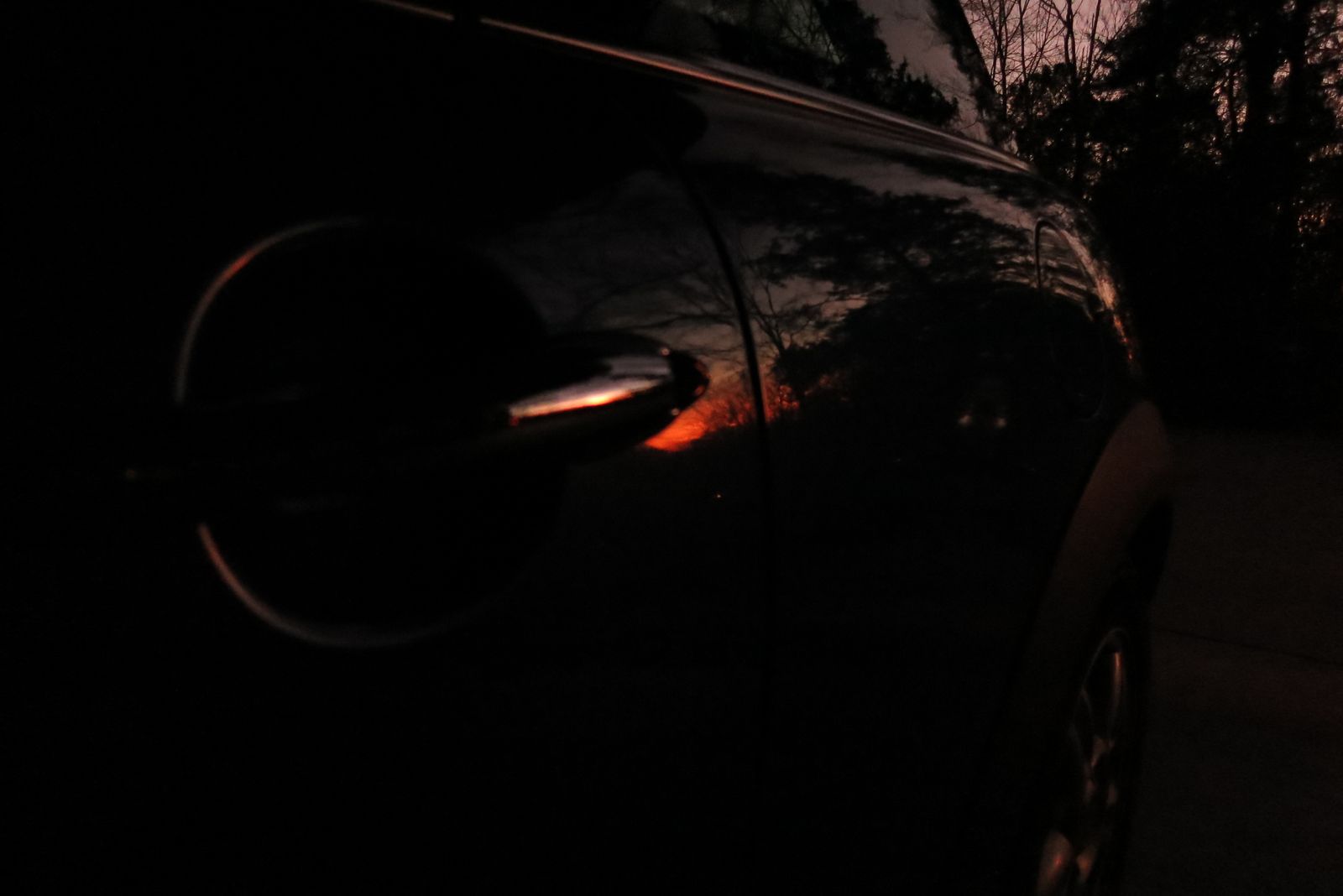
Took some fun long-exposure and lowlight images at sunset. Some of these remind me of my early days of digital camera fun back in 2005. All images are straight from the camera with no additional...


After dusting off the Canon SD1000, here are a few close-ups around the house.


Tonight at a birthday party for my father-in-law we noticed an uncanny similarity between my sister-in-law’s dog and… well… a famous house elf.

I came across this screenshot in my Google Photos today and loved it. Look how much has changed, but how my use of the iPhone has basically remained the same. I’m still regularly using six of the...
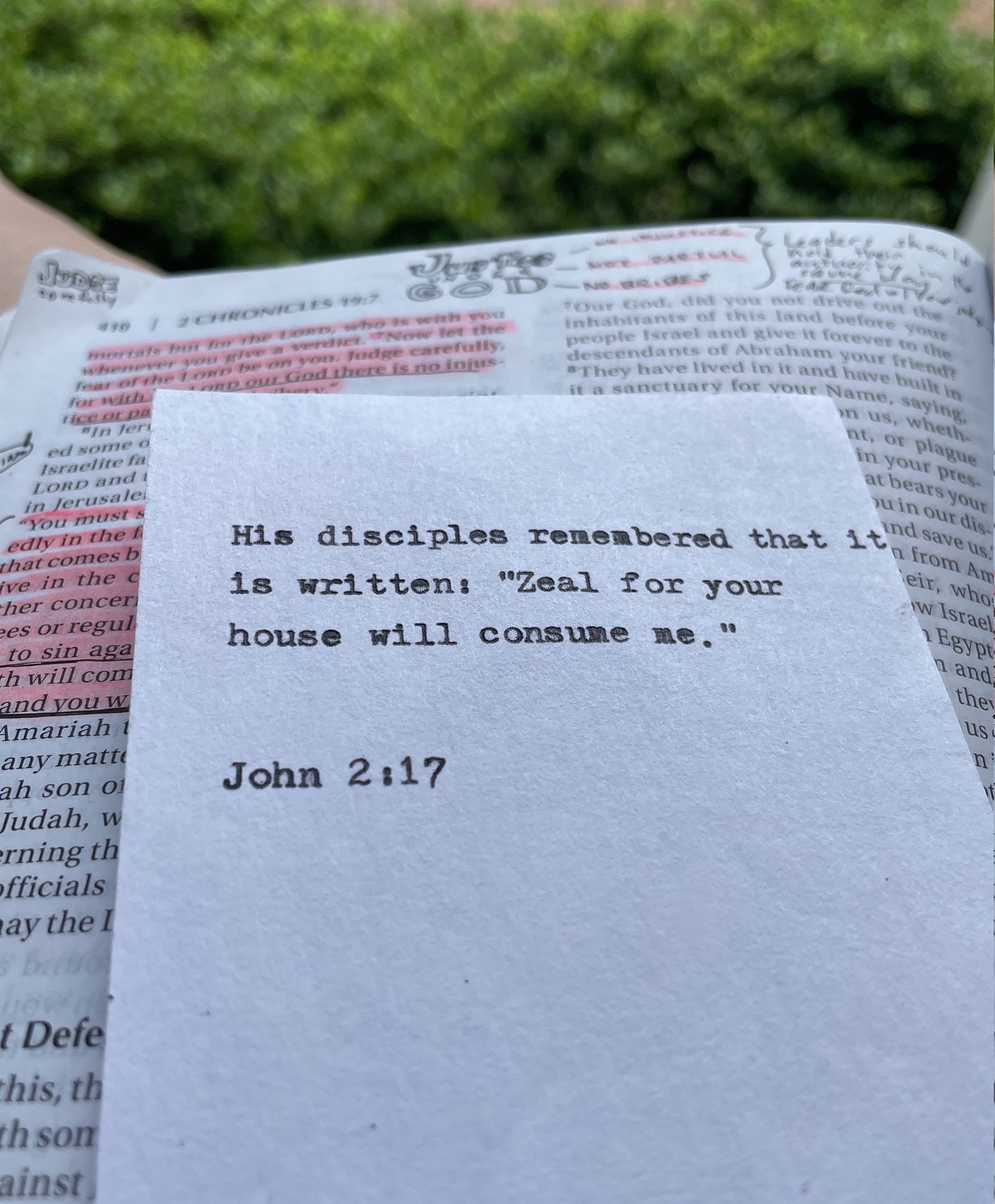
I go back and forth between analog and digital mediums. I think that’s ok. For the past 6 months I’ve been using a digital Bible and my Drafts app to track progress on the Year of the Bible...

Fun family activity. Each person takes a phoneChoose one photo filter effect in HipstamaticTake close ups on your walkWhen you get home, each presents their images

A collection of Hipstamatic shots from Saturday, styled with Blanko film, Hugo lens.
